No collection box.
Just a check-in tap.
Students tap in themselves —
attendance is recorded and
only distracting apps lock.

What works today
Both the iOS and Android apps are out, so you only need to hand out the keys — it works from the next class on.
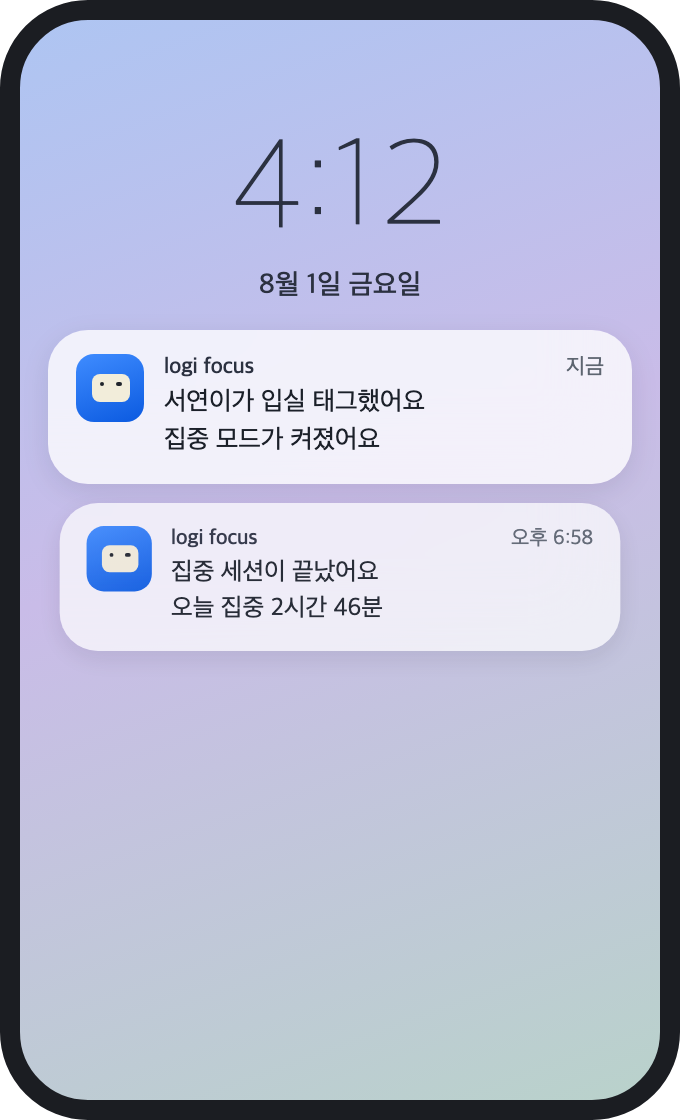
- The check-in tap is the attendance record — tapping the key starts a focus session and logs the time.
- Only distracting apps lock — social and games lock; calls, texts, and search stay open.
- It holds until checkout and lifts automatically when time is up — an emergency release opens it instantly.
- Start and end notifications for guardians — sent as app notifications today.
How adoption works
-
Get in touch
Tell us your headcount, operating hours, and which notifications you need — we'll reply with the key quantity and lead time.
-
Hand out the keys
Place the NFC keys per student or per seat. Keys are bound to your institution's account on the server.
-
Students install and register
A student installs the app and taps the key once to finish registration. After that, tapping is all it takes.
Integrations we can set up with you
Tell us which integrations you need in your inquiry — we'll work them out with you and have them ready on your adoption schedule.
KakaoTalk business messages
Set up at adoptionCheck-in and checkout alerts land in the KakaoTalk parents already use daily. They go out as app notifications today; KakaoTalk delivery is wired up once we've talked.
logi focus
Message arrived
[logi focus] Minjun checked in at 3:20 PM. Focus mode has started.
3:20 PM
Tuition & payment integration
Set up at adoptionWe connect billing and payment status to the service you already use. With attendance data in place, this extends to per-session billing.
March tuition
Operator dashboard
Set up at adoptionAttendance and focus time by class and period on one screen, arranged around how your institution runs.
Today's attendance
24 / 26
Avg. focus
3h 12m
Focus time by weekday
Why a tap instead of a collection box
Collecting phones costs time at both ends and blocks urgent calls along with everything else. A tap is done by the student, and only distracting apps lock. It isn't confiscation but a habit of locking up on your own — closer to self-directed study.
There's a safety net
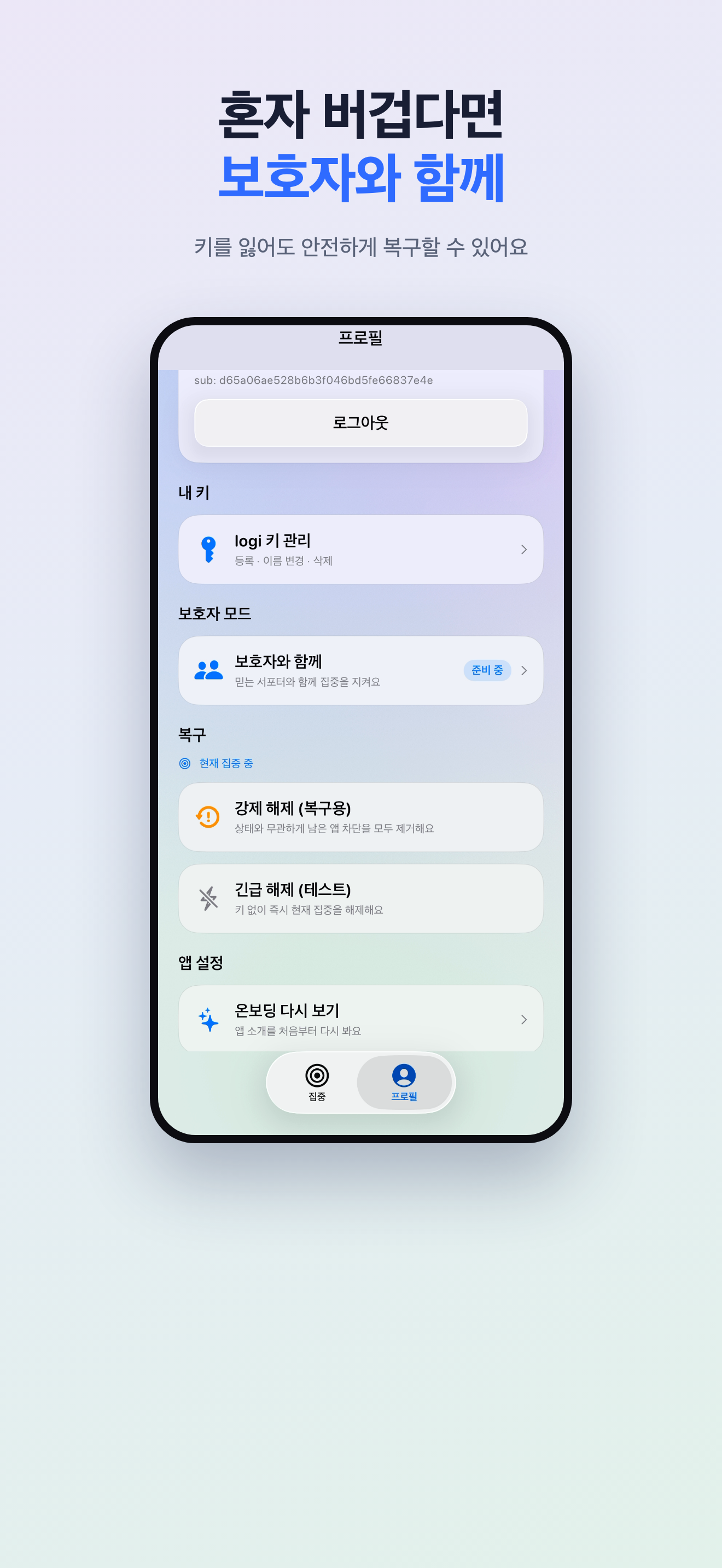
Blocks lift automatically when the set time is up, and a student can end a session in the app if it's truly urgent. It's a self-control tool, not a lock.
Talk to us about adoption
Include your headcount and operating hours and we'll reply with the key quantity and lead time.
support@1pass.dev